Choosing a system
Are Wi-Fi air conditioning controls worth adding?
Wi-Fi air conditioning controls can suit changing family routines. Learn what to check about your model, home internet, app features and optional costs.
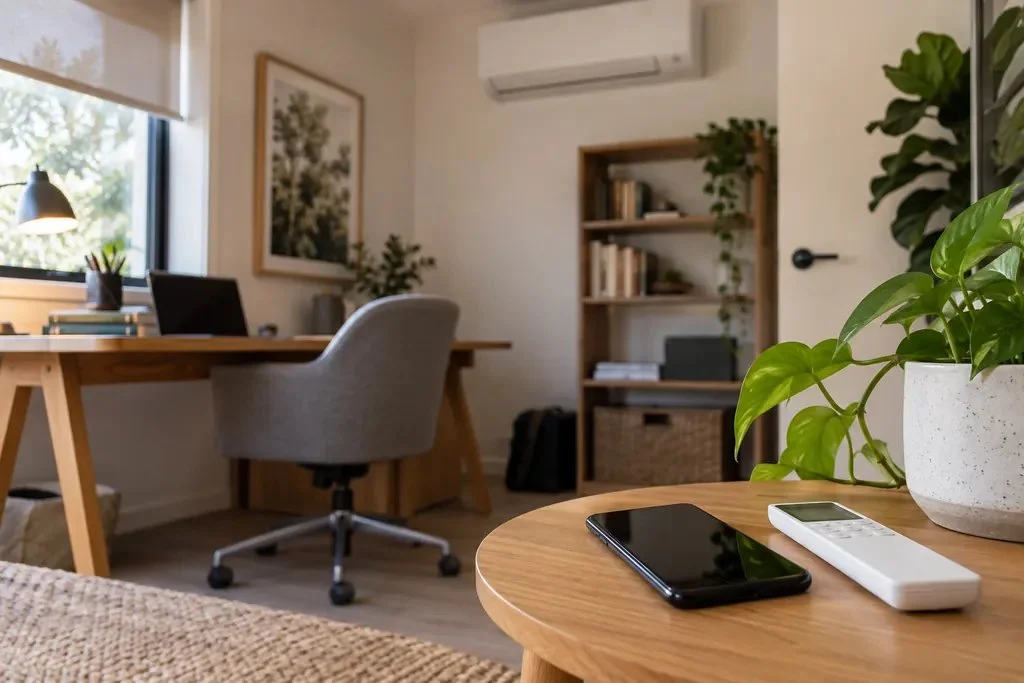
When work runs late or the school pickup changes, being able to adjust the air con from your phone can be useful. Wi-Fi controls are worth considering if they solve a real inconvenience in your day. If your normal remote and timer already suit your routine, you may have little reason to pay extra.
What would you like your phone to do?
Start with the moment that makes you wish you had another way to control the air con. Perhaps you want to turn it on before arriving home, or check whether you left it running after a rushed morning. Those are different needs from setting the same timer every weekday, which some ordinary remotes can already do.
Wi-Fi control connects a compatible air conditioner to your home wireless network so you can use an app on your phone. Remote operation away from home usually also relies on an internet connection and the manufacturer’s online service. Think of it as another way to give the system instructions; it does not change how much cooling the equipment can provide.
Will it work with the air conditioner you have?
Some air conditioners have Wi-Fi built in. Others need an adaptor, a small piece of equipment that provides the connection. A brand name on its own is not enough to choose one: the indoor unit’s exact model and the adaptor’s model must match.
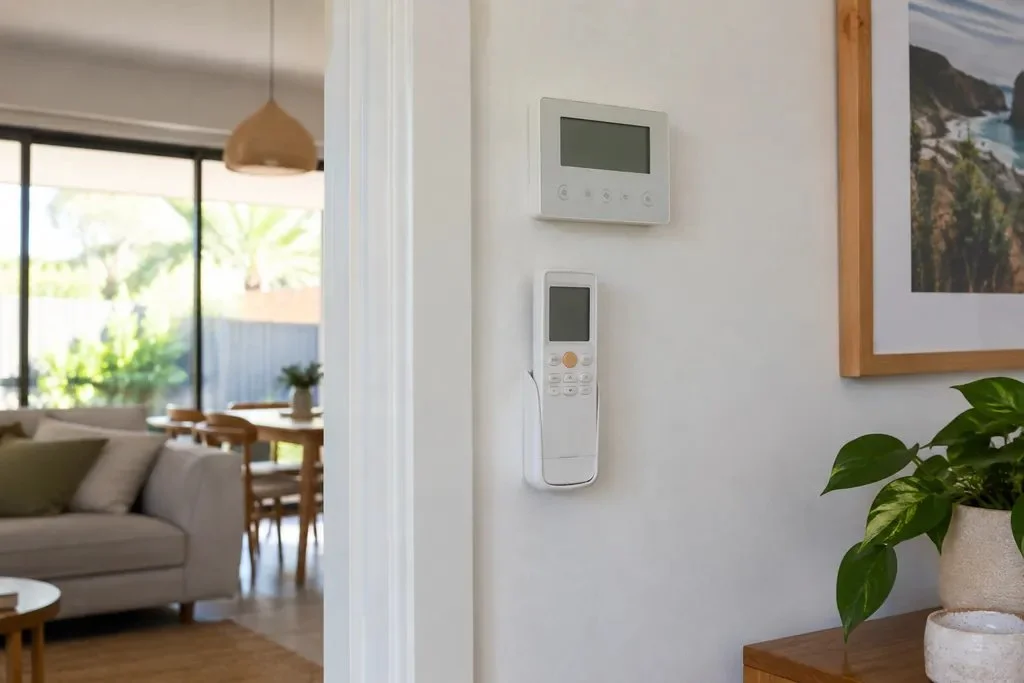
For an existing system, send us the model details from your paperwork or an easily accessible label, along with a photo of the remote or wall control. There is no need to open the unit. We can use those details to investigate compatibility, including whether the proposed Wi-Fi option can work alongside your current controller.
If you want phone control in several rooms, ask how many adaptors the quote includes. For example, Mitsubishi Electric specifies a separate adaptor for each compatible indoor unit that needs one. Other equipment may be different, so check the proposed arrangement rather than assuming one purchase covers the house.
What should you check before paying for it?
Ask to see the features you would actually use on the app for the proposed equipment. An app that can send an on/off command may not offer the same feedback, schedules or room controls as another. This matters if your main reason for buying it is to know whether the air con is still running.
- Can the app show the unit’s current operating state, and confirm a command was received?
- Can it set the schedule you need, and how can other household members use it?
- What home network, internet connection, phone software and account does it require?
- Are there ongoing charges or service conditions, and where can you check current app support?
- Which remote or wall controls remain usable if the internet or app service is unavailable?
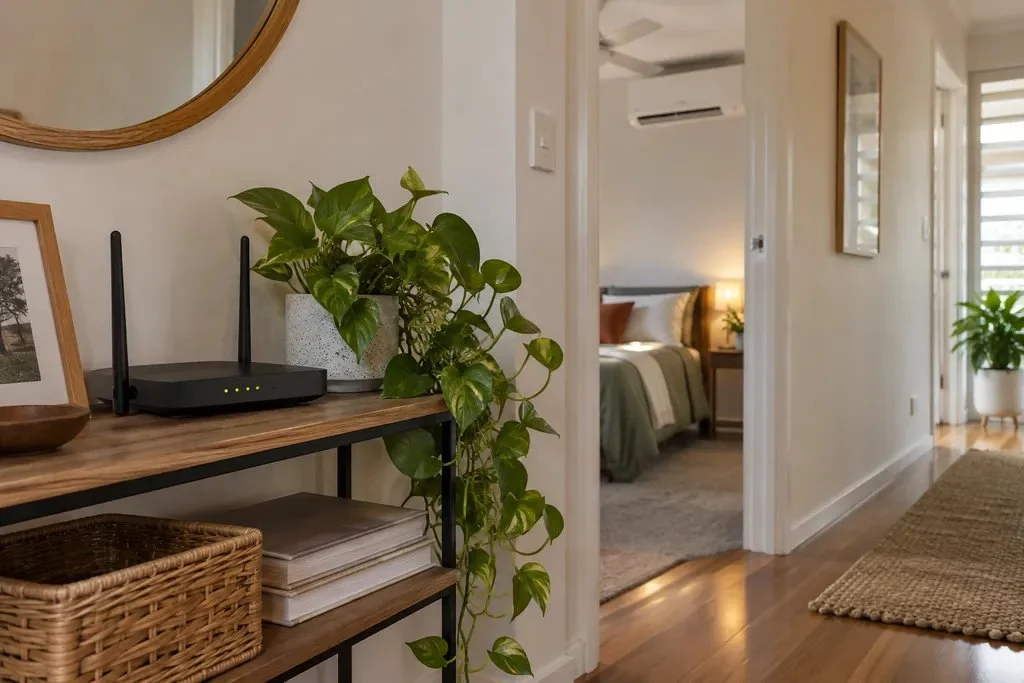
Your router is the device that provides your home Wi-Fi. Its signal needs to reach the controller’s location, and its settings must meet the controller’s requirements. Ask us to check those requirements before choosing an optional adaptor, especially if that part of the house already has patchy Wi-Fi.
Will Wi-Fi help with bills or different room temperatures?
It can help you manage when you use the air con, but it is not a guarantee of lower bills. In a hypothetical household where arrival times change, remote control could let someone delay switching on until they are heading home. A fixed schedule that keeps running on days everyone is away could do the opposite. The useful feature is control that follows your routine.
With ducted air conditioning, a zone means a room or group of rooms controlled together. Wi-Fi can operate supported zone controls, but adding an app alone does not give every room the equipment to measure and control its own temperature. If that is what you need, discuss the zone equipment and overall design as well as the app. Our guide to ducted zones explains those choices.
How can you make it easy for everyone to use?
Once the compatible equipment is fitted, begin with one useful setting rather than a full week of complicated rules. Ask for a demonstration of both the app and the normal remote or wall control so the whole household has a familiar way to adjust the temperature.
- Set up the manufacturer-supported app using your own account and the instructions for that controller.
- Try one command and check that the intended unit responds.
- If you need a schedule, start with one that matches when the room is used and check for existing remote timers.
- Review it over a few days, then change it when work hours, school holidays or the season changes.
For a new system, ask Caleb to show any optional Wi-Fi equipment and fitting separately in the quote. For an existing system, tell us what you wish you could do and share the model details. We can help you check whether the available controls meet that need before you decide to add them.
Sources and further reading
Research checked 5 October 2026. For operation, maintenance and installation requirements, use the instructions for the exact equipment in your home.
Want a hand with this?
Send the exact model if you want app control on an existing unit. We can check the options.
Ask Caleb ↗